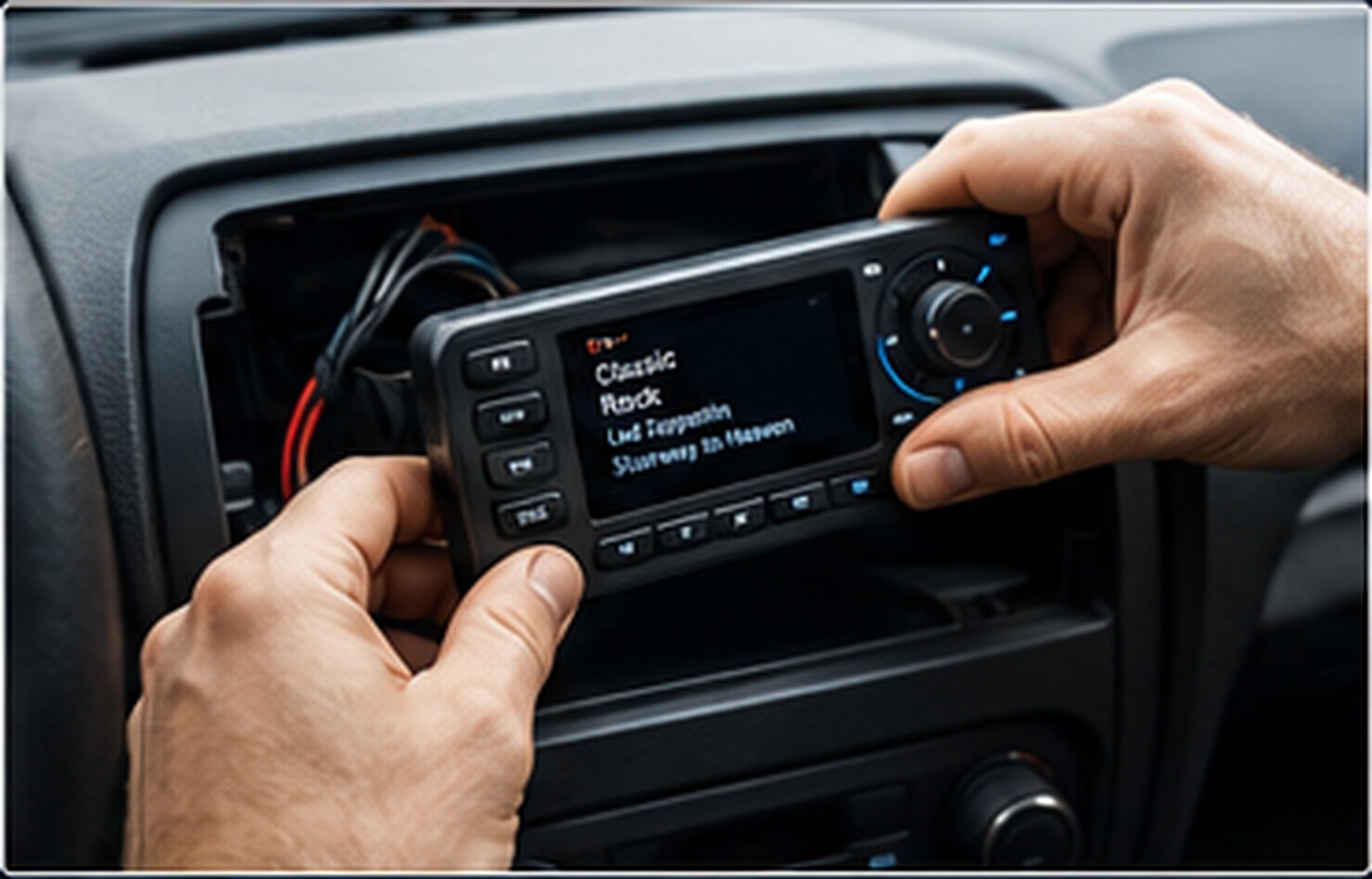
01 / INSTALLATION
Receiver Installation Guidance
Learn where to mount your receiver, how to connect power and audio, and how to organize cables for a clean, reliable setup.
View installation steps →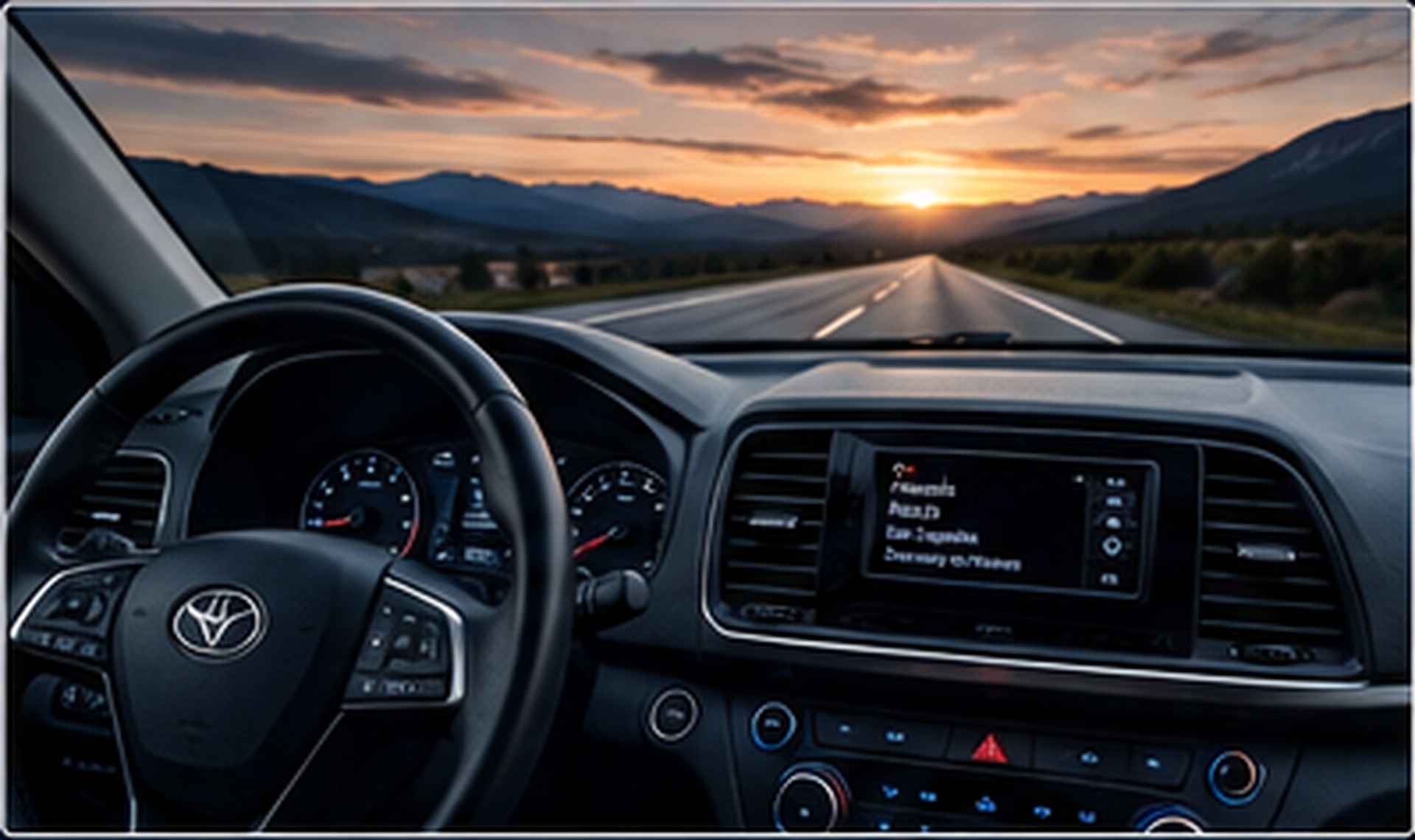
A clear, independent guide to receiver installation, antenna placement, activation, channel refreshes and common signal issues—without the technical confusion.
From first-time installation to signal troubleshooting, use our practical guides to get your satellite radio ready for the road, home or outdoors.
Learn where to mount your receiver, how to connect power and audio, and how to organize cables for a clean, reliable setup.
View installation steps →Improve reception with practical antenna positioning tips for vehicles, homes and portable satellite radio systems.
Understand the information you may need to activate a compatible receiver and what to check when channels do not appear.
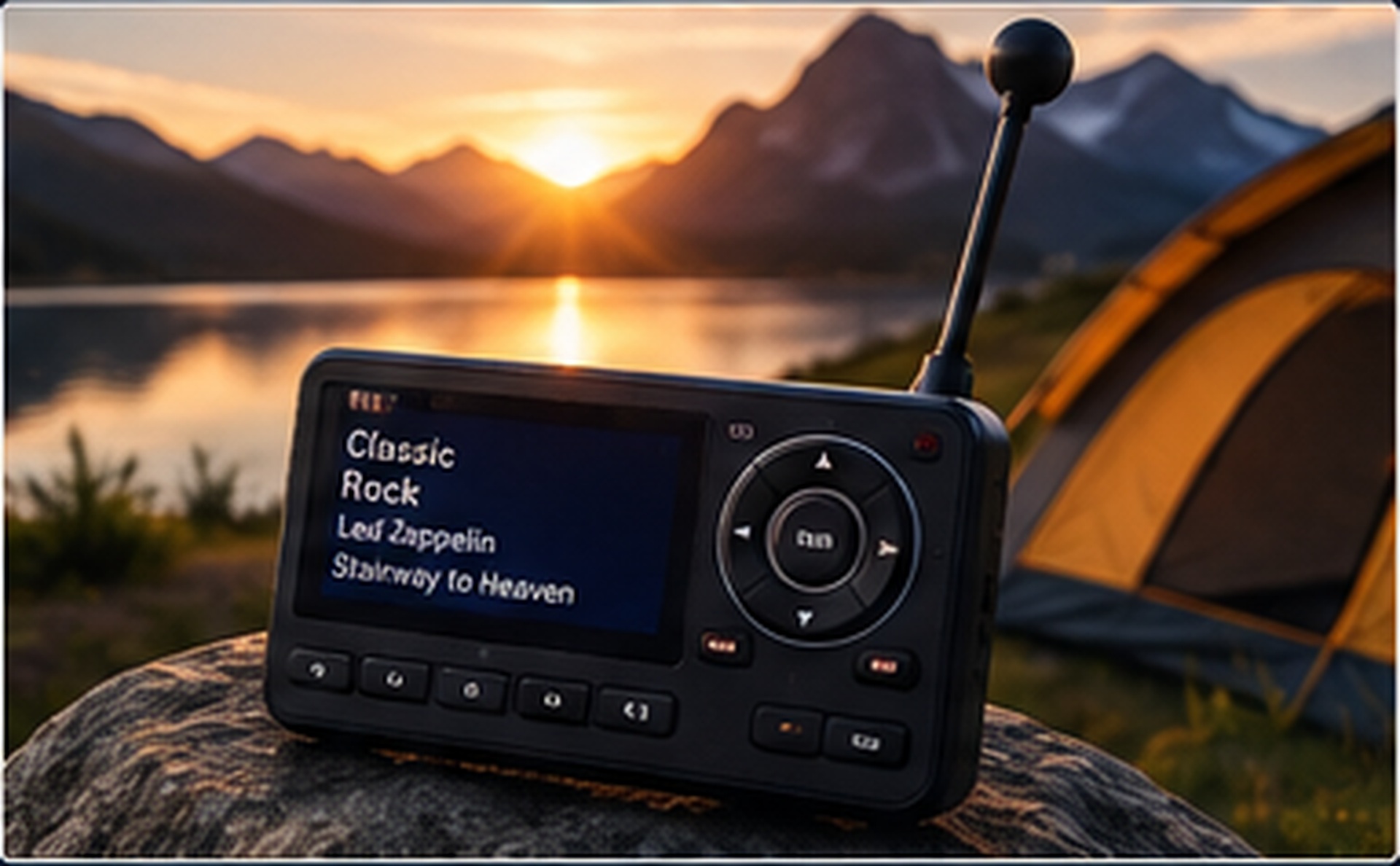
Satellite radio receives programming through satellite-based broadcasting, helping compatible receivers access a broad range of music, news, talk, sports and entertainment across wide coverage areas.
Follow this simple sequence for a cleaner setup and fewer activation problems.
Secure the receiver where it is easy to view and operate. Connect the required power and audio connections for your compatible setup.
Receiver • Power • AudioPlace the antenna where it has a clear view of the sky whenever possible and route the cable carefully to avoid pinching or damage.
Clear view • Secure cableLocate the radio or receiver identification details and follow the activation instructions supplied by your service provider.
Radio ID • SubscriptionAllow the receiver time to update. If subscribed channels are missing, confirm signal reception and follow the provider's refresh process.
Signal • Refresh • ListenDepending on your compatible equipment and subscription, satellite radio can fit naturally into travel, home listening and outdoor routines.
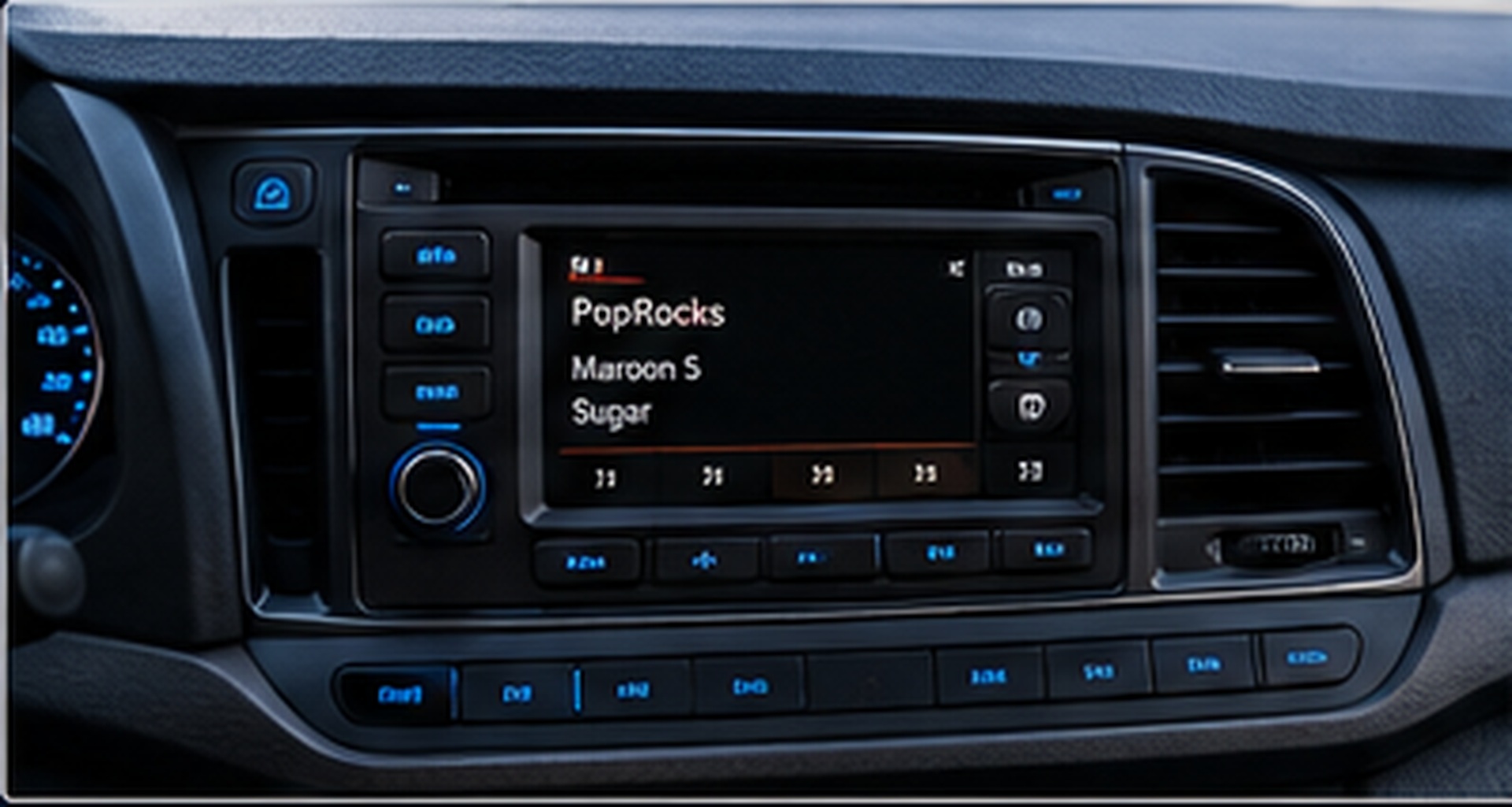
The antenna location can make a major difference to reception. Use these visual examples as a quick guide when choosing a position for your setup.
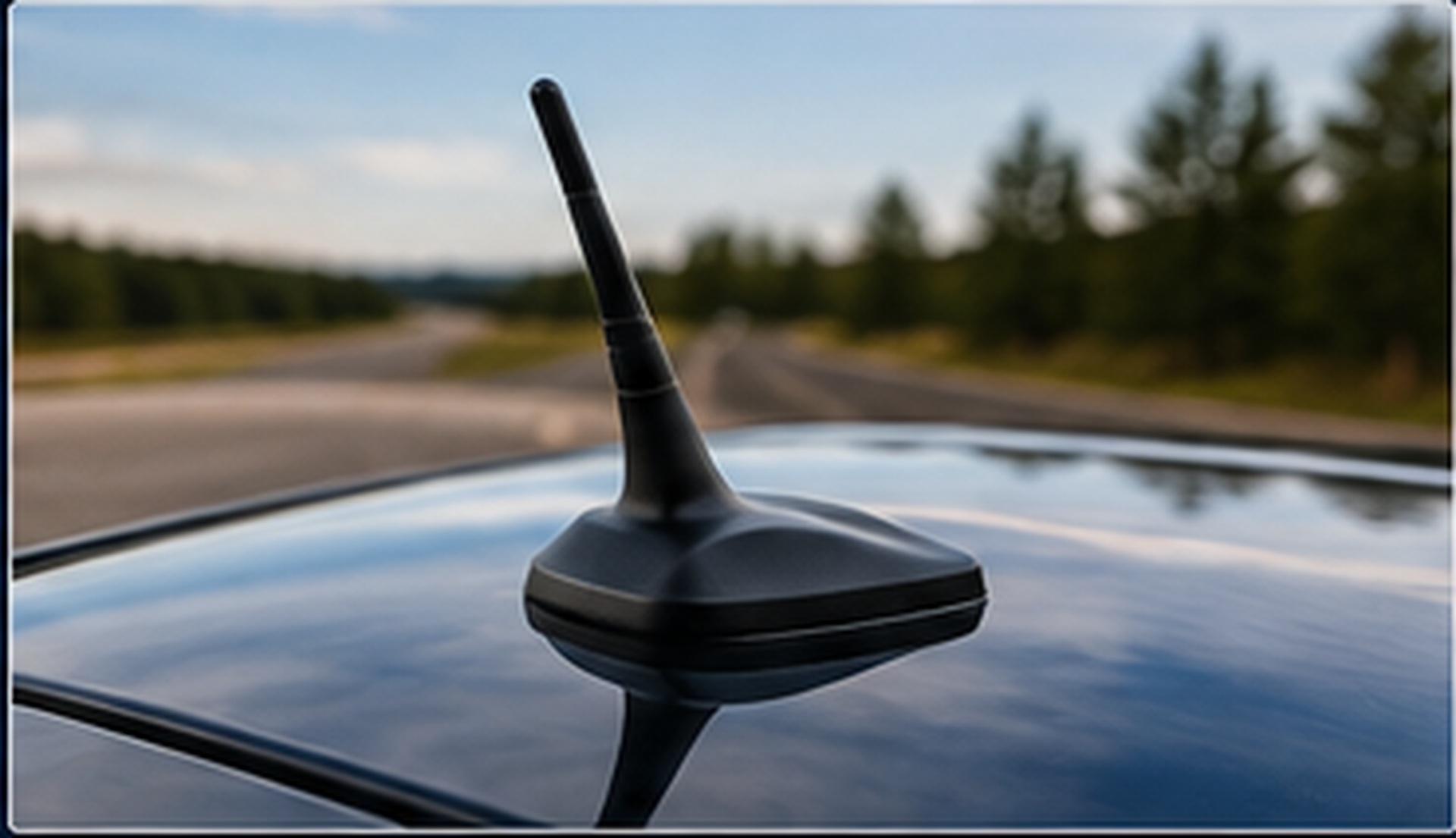
For compatible vehicle antennas, select a secure position with minimal obstruction from roof racks, cargo or other equipment.
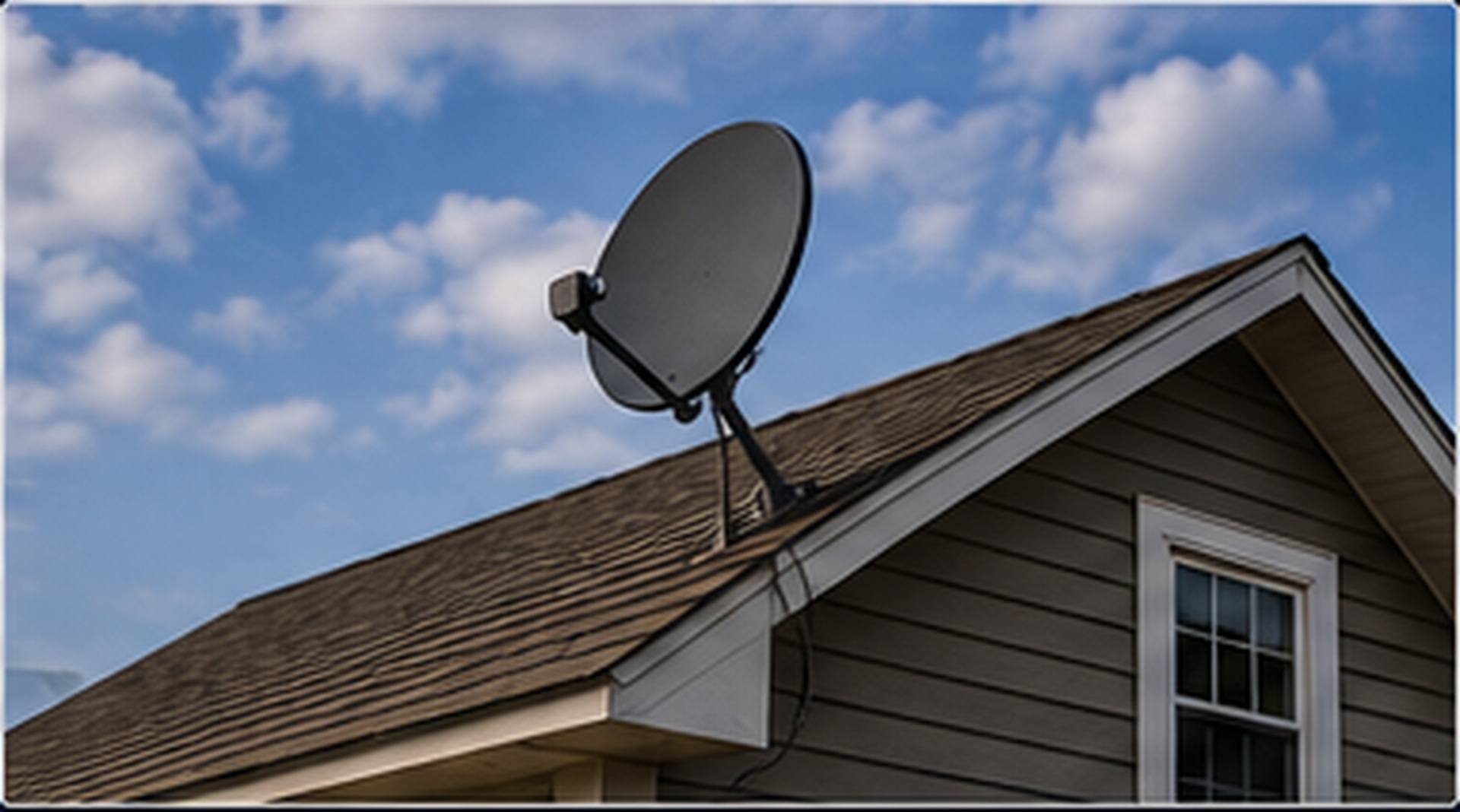
For home listening, test antenna placement near a suitable window or approved outdoor location based on your equipment instructions.
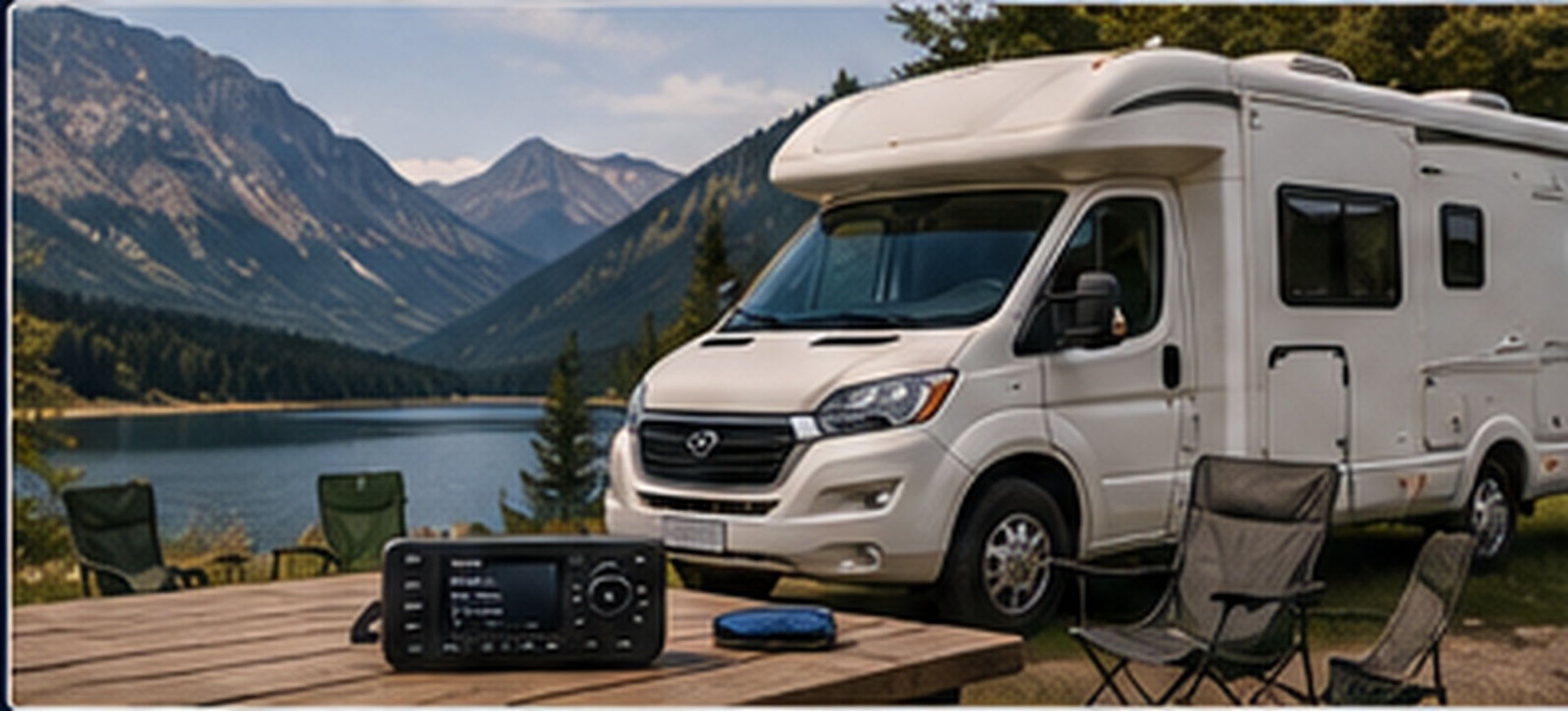
Portable and travel installations benefit from secure cabling, compatible power connections and an antenna position that can be adjusted when needed.
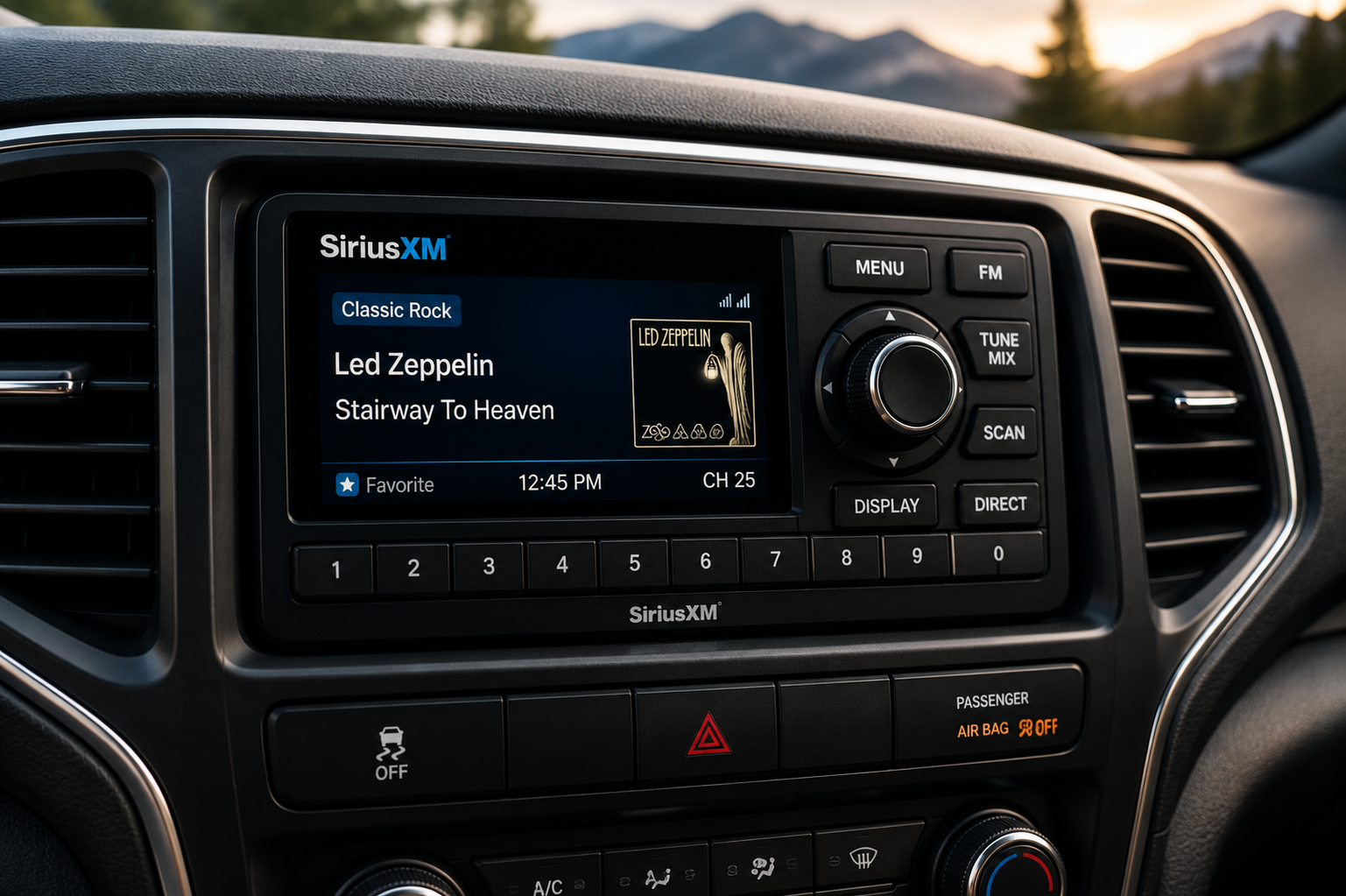
A few quick checks before activation can save time later. Confirm that your receiver is compatible, properly connected and able to receive a usable satellite signal.
Small setup details often explain reception or channel problems. These checks are a useful starting point before seeking additional support.
Move away from garages, dense cover and major obstructions, then inspect the antenna cable and connection.
Make sure the receiver has a usable signal and your selected service includes the channels you expect.
Check volume, mute settings, cable connections and the selected input on your vehicle or home audio system.
Short answers to common questions for new and existing satellite radio users.
Typically you need a compatible receiver, its radio/receiver identification information, a suitable antenna connection and the activation instructions from your chosen service provider.
Common causes include an obstructed antenna, a loose or damaged antenna cable, indoor placement without adequate reception, or temporary reception conditions.
Many compatible receivers can be used with suitable home accessories and antenna placement. Always check compatibility for your specific receiver.
Confirm the receiver has a clear signal, allow time for updates, verify your subscription, and use your service provider's official refresh procedure if required.